Linux users evaluating time-tracking or employee-monitoring software run into a familiar pattern quickly: the vendor's site lists "macOS, Windows, Linux" support, but the Linux build turns out to be a community afterthought, missing screenshots, missing activity monitoring, or simply unmaintained for months after a Mac or Windows release ships with new features. This isn't a coincidence — most time-tracking companies are optimizing for the operating systems their largest customer segments run, and for many, that means Linux gets whatever engineering time is left over.
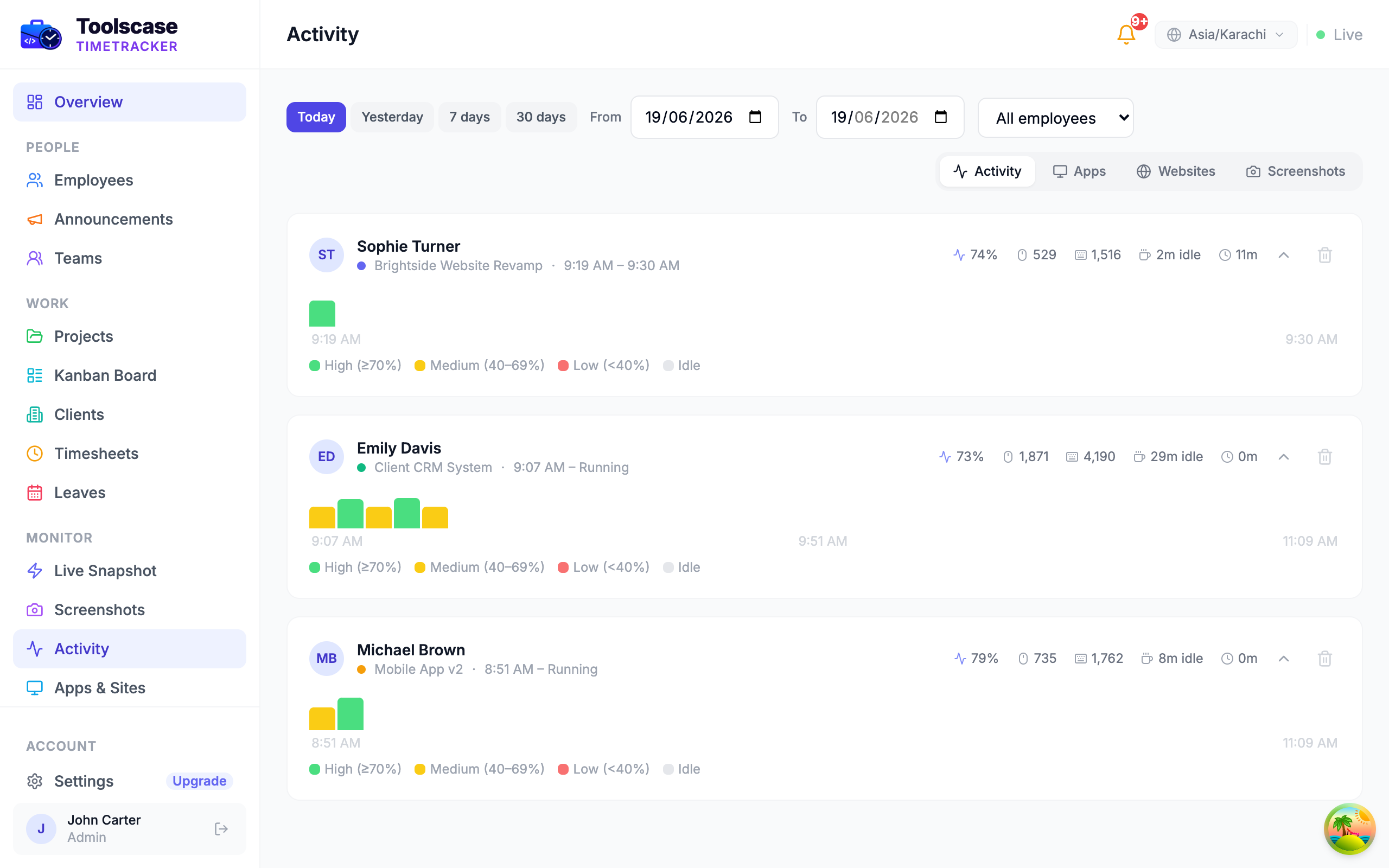
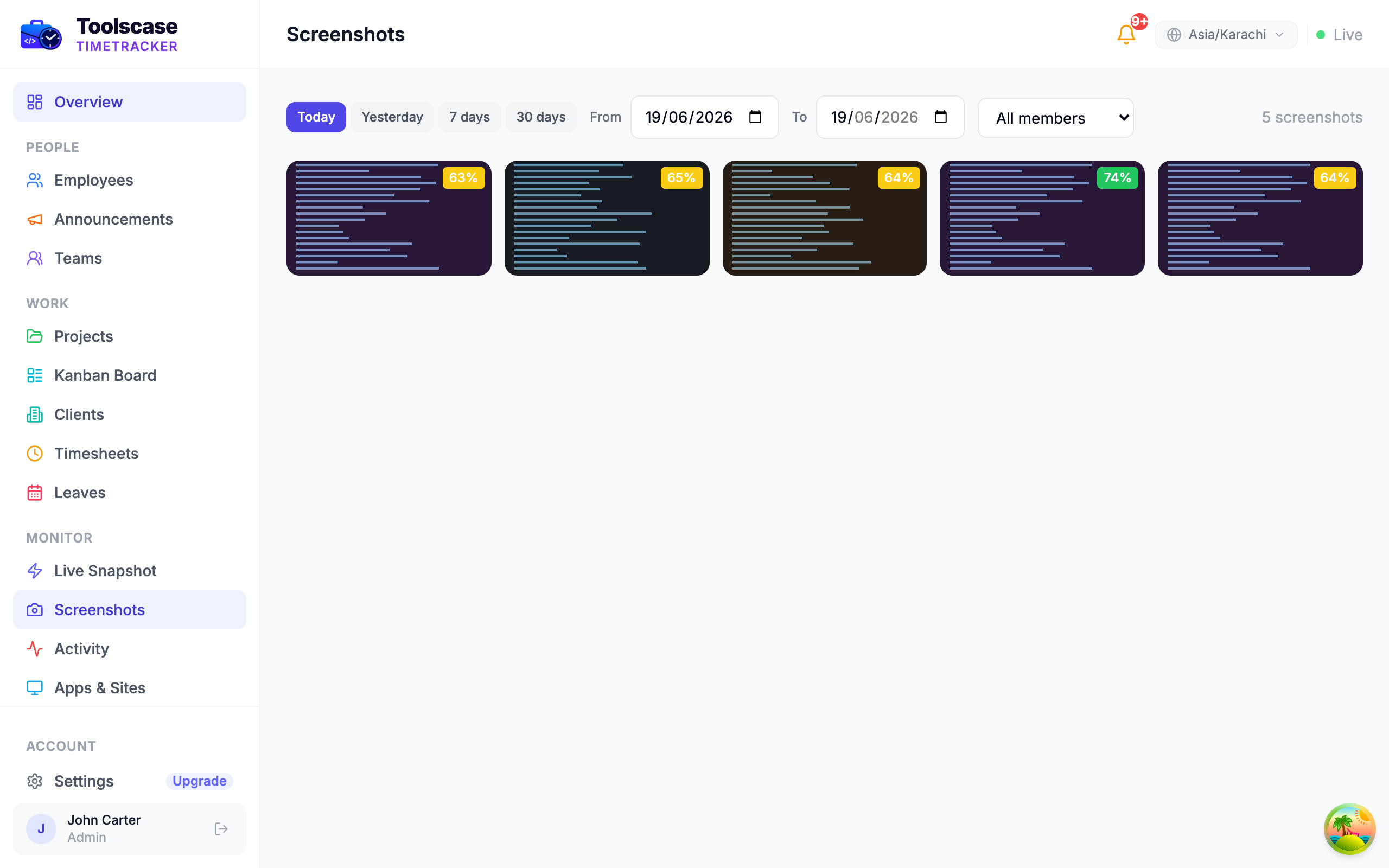
Toolscase takes a different position: the Linux build ships the same core features as macOS and Windows — screenshots, activity monitoring based on keyboard and mouse input, idle detection, offline tracking that syncs later, and the same AI-generated daily summaries — packaged as a single portable .AppImage rather than a fragile, distro-specific build that breaks on the next kernel update. That choice reflects a simple reality: a meaningful share of software teams, especially in backend engineering, DevOps, and infrastructure roles, run Linux as their primary machine, and a time tracker that can't see their actual work isn't tracking the team, it's tracking part of it.
None of this means Linux is identical to Mac or Windows under the hood — it genuinely isn't, and pretending otherwise would be dishonest. Desktop environments vary widely (GNOME, KDE, XFCE, Cinnamon, and more), tray icon support isn't universal without extensions, and the X11-versus-Wayland transition still in progress across the ecosystem introduces occasional screen-capture quirks that affect many applications, not specifically Toolscase. What matters is being upfront about those quirks and how to work around them, rather than pretending Linux support is flawless or silently shipping a worse experience and hoping nobody notices.
The packaging choice matters here too. Rather than maintaining separate .deb, .rpm, snap, and flatpak builds — each with its own dependency quirks, each requiring separate testing, each capable of drifting out of date independently — Toolscase ships one AppImage designed to run consistently across distributions by bundling its own dependencies. That's a deliberate bet that broad, dependable compatibility across the fragmented Linux desktop landscape matters more than deep integration with any single distro's native package manager, and it's the same reasoning that\'s made AppImage a common choice for cross-distro software generally, not just for Toolscase specifically.
It's worth being specific about where compatibility questions actually come from, too, since "Linux support" is really a spectrum rather than a single yes-or-no answer. Mainstream distros running GNOME, KDE, XFCE, or Cinnamon on X11 or a well-supported Wayland compositor are the smoothest path, and that covers the large majority of Ubuntu, Fedora, Debian, Mint, and Pop!_OS installations. The edges of that spectrum — immutable image-based distros like Fedora Silverblue, declarative systems like NixOS, minimal window managers without a tray protocol implementation, or older hardware running a stripped-down desktop — need a little more attention, sometimes a documented one-time workaround, but they're not unsupported so much as they're the parts of the Linux ecosystem where AppImage's generally strong compatibility runs into genuinely unusual system architectures.
This page covers exactly that: which distros and desktop environments Toolscase is built to run on, the handful of Linux-specific setup steps (chmod, tray extensions, Wayland fallbacks, FUSE), notes on immutable distros and NixOS specifically, a direct comparison against what Linux offers natively for activity visibility (essentially nothing, compared to macOS or Windows), and a step-by-step install walkthrough.