Search for "computer time tracker" and you'll find two genuinely different categories of product mixed together: personal digital-wellbeing apps that show you how many hours you spent on social media versus work apps, and workplace tools built for teams and businesses to track, bill, and report on time spent working. Toolscase is squarely the second kind. It isn't trying to help you personally cut down on screen time or manage a child's device — it's built so a software agency, a remote team, or an independent consultant can answer a more specific question: how much computer time went into this project, this client, this task, and can that be shown to someone who's paying for it.
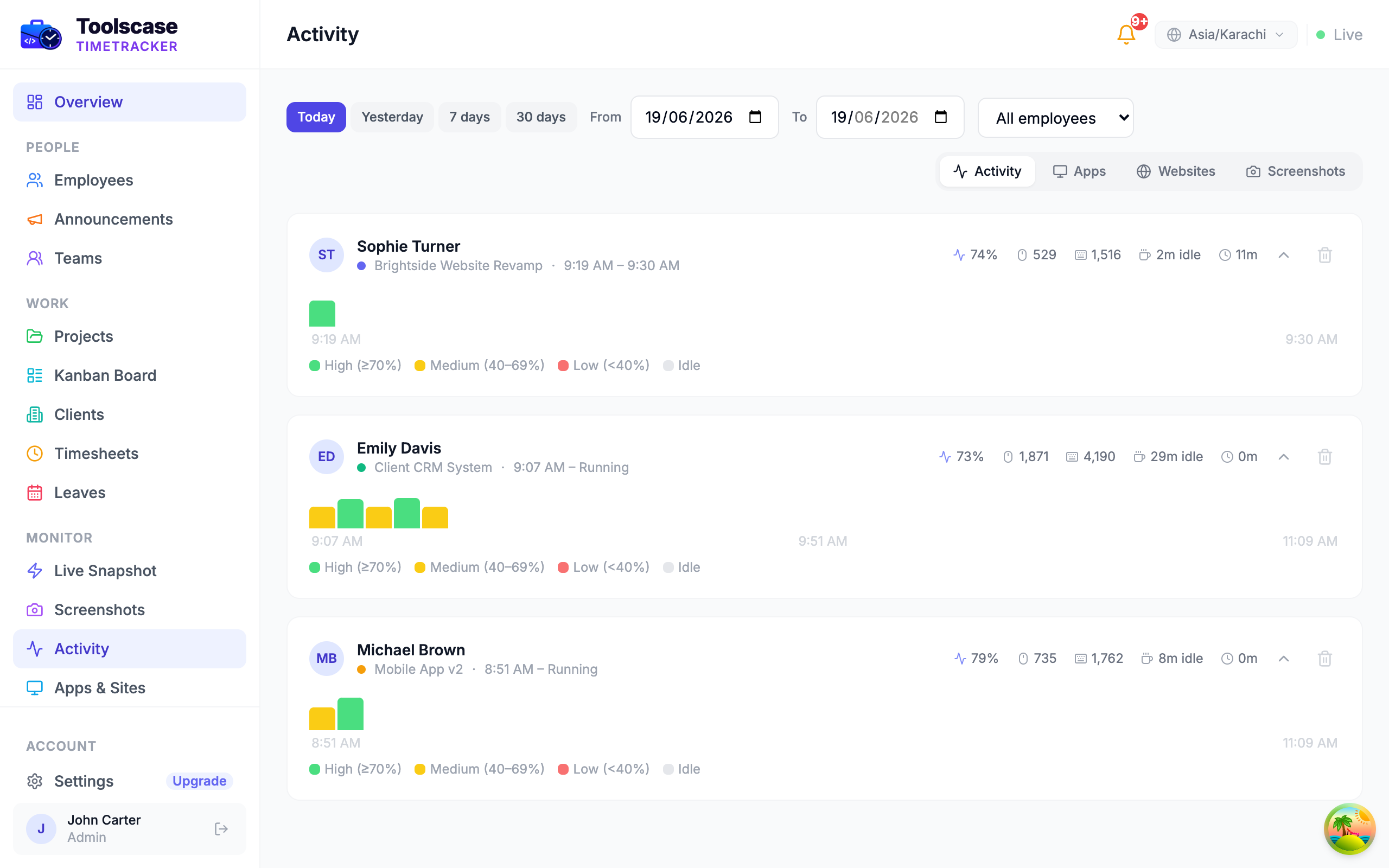
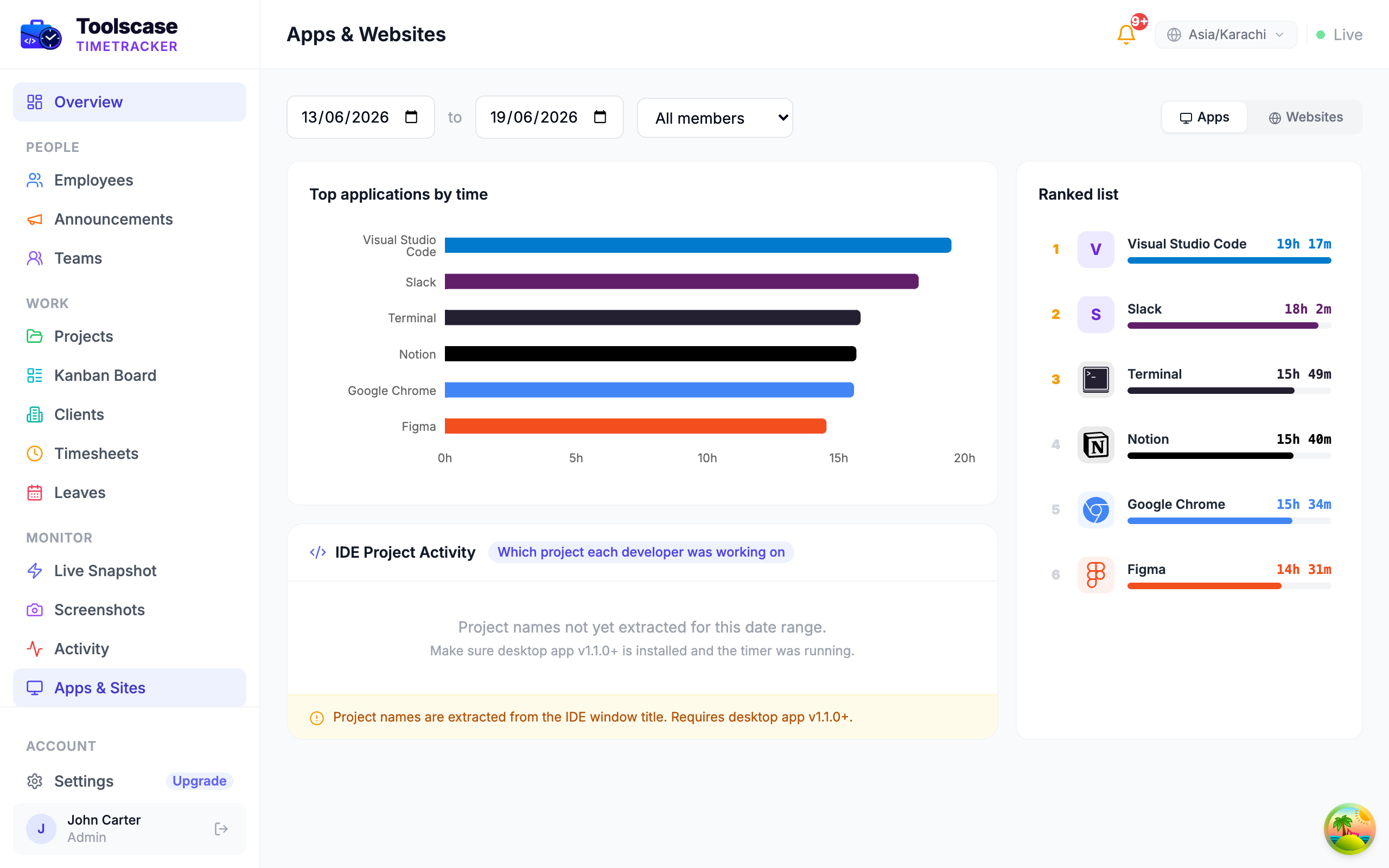
That distinction shapes every feature. A personal screen-time app buckets usage into loose categories like "Productivity" or "Entertainment" and reports a daily total — useful for self-reflection, useless for an invoice. Toolscase instead ties every tracked minute to a specific project and, optionally, a task code, records which application or website had that focus, and layers in an activity level and optional screenshots as evidence. The output isn't "you spent 6 hours on your computer today" — it's "3.5 hours on Client A's payments feature, 2 hours on Client B's onboarding flow, 30 minutes in a team meeting," which is the level of detail that actually supports a billing conversation or a utilization report.
It also matters who else gets to see the data. A personal screen-time tool is, by design, visible only to the person using that one device. Toolscase is built for teams: every tracked hour, across every team member's Mac, Windows PC, or Linux machine, rolls up into one manager-facing dashboard and a live snapshot of who's currently working. That's the feature a solo screen-time app was never built to provide, and it's the entire reason a business reaches for a dedicated computer time tracker instead of whatever's already built into the operating system.
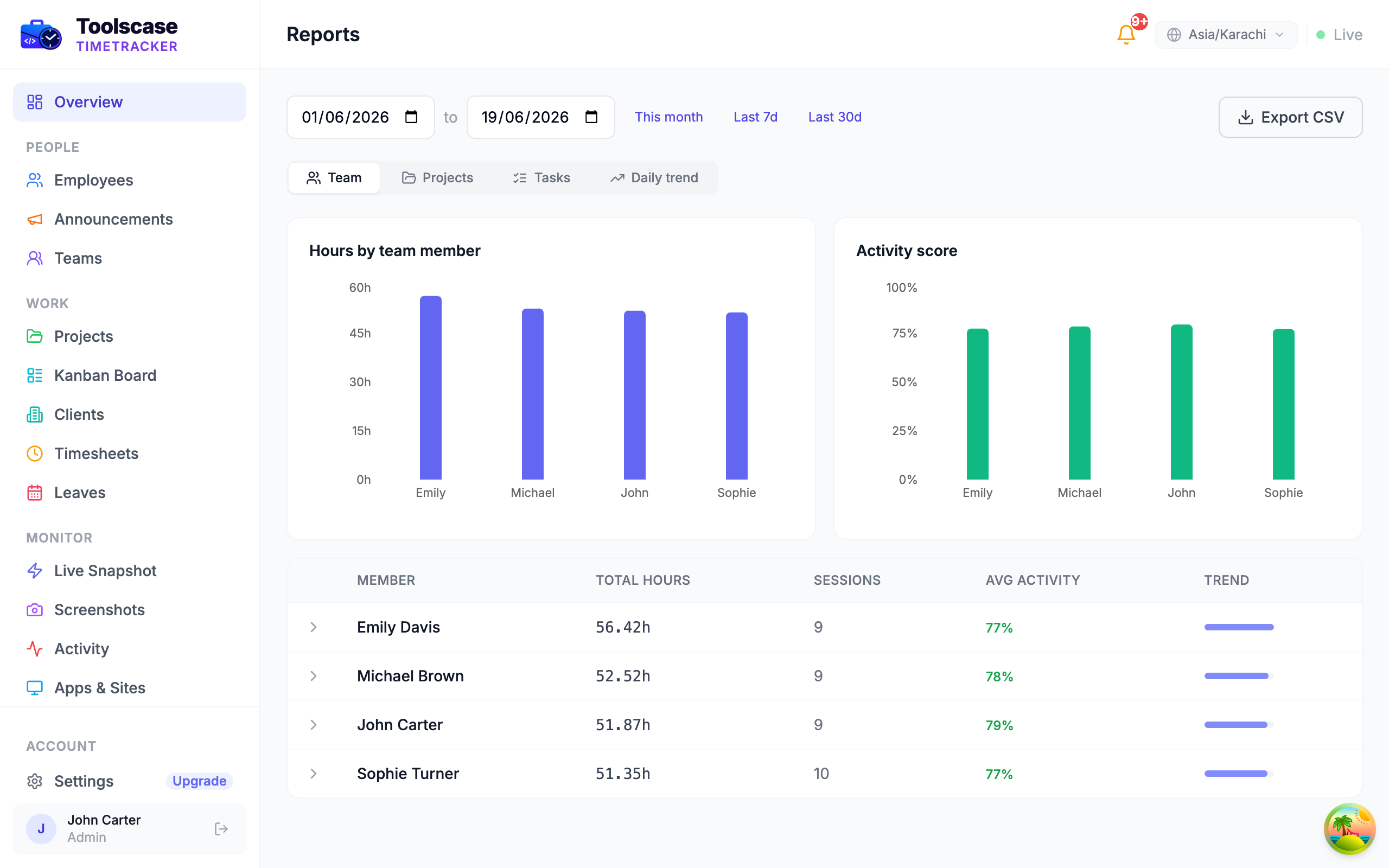
The data also has to go somewhere useful once it's collected. Toolscase's computer time reports feed directly into timesheet approval, payroll processing, and client-invoicing workflows, rather than existing as a standalone log a manager has to manually reformat every pay period. A tracked hour isn't treated as automatically final, either — a manager reviews and approves timesheets before hours flow downstream, catching obvious errors (a timer left running overnight, for example) before they become a billed hour or a payroll line item.
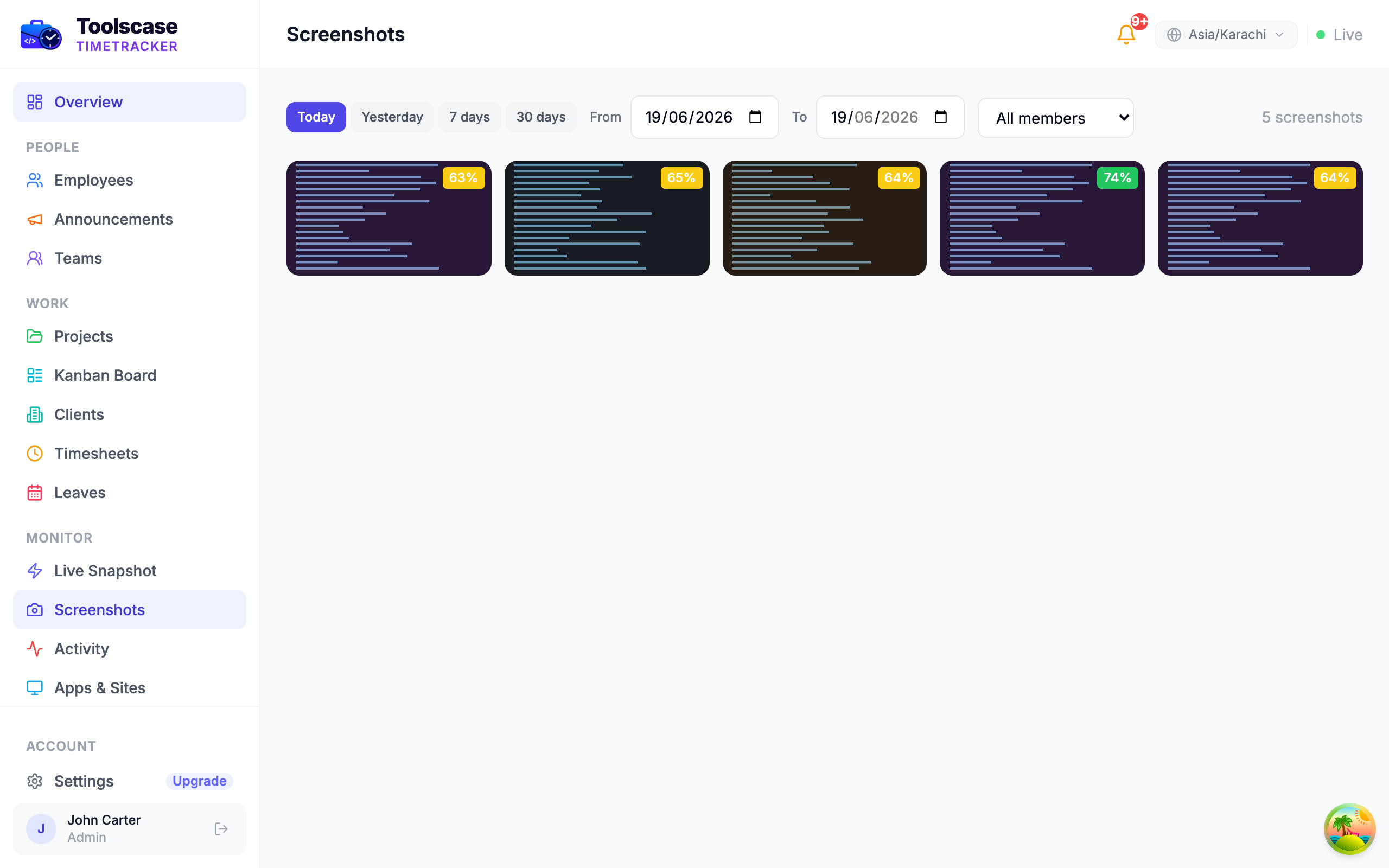
How this gets introduced to a team matters as much as the feature set itself. Computer time tracking that's rolled out quietly, with vague explanations of what's recorded, tends to generate exactly the kind of suspicion and pushback that gives monitoring software a bad reputation generally. The more effective approach — and the one Toolscase is built to support — is specificity: telling a team exactly what gets recorded (project time, app/website focus, activity levels, optional screenshots), exactly what doesn't (keystroke content, clipboard data, anything outside an active tracked session), and exactly why (accurate billing, workload visibility, evidence when a client questions an invoice). An always-visible tracking indicator and disclosed, configurable screenshots exist specifically to support that kind of honest rollout conversation rather than to enable a covert one.
It's also worth addressing scale directly, since "computer time tracker" searches span everyone from a solo freelancer curious about their own habits to an operations lead planning a company-wide rollout. The underlying product doesn't really change shape between those two cases — a single consultant gets per-project attribution and an AI daily summary of their own computer time, and a fifty-person agency gets the identical underlying tracking mechanism plus the manager dashboard, approval workflows, and team-wide reporting layered on top. Toolscase's free tier, covering up to 5 users, means the entry point for trying this out doesn't require committing to a company-wide rollout decision first.
This page covers what Toolscase actually tracks on a computer, how that compares to the built-in tools already on your OS, who the product is (and isn't) built for, and a step-by-step guide to getting your first project tracked.